.svg)

.svg)
%201.svg)


Choosing a mobile app design agency requires evaluating platform expertise, process quality, business understanding, and collaboration capability, not just visual output. Here is what to assess before signing a contract.
1. Review Portfolio and Past Work
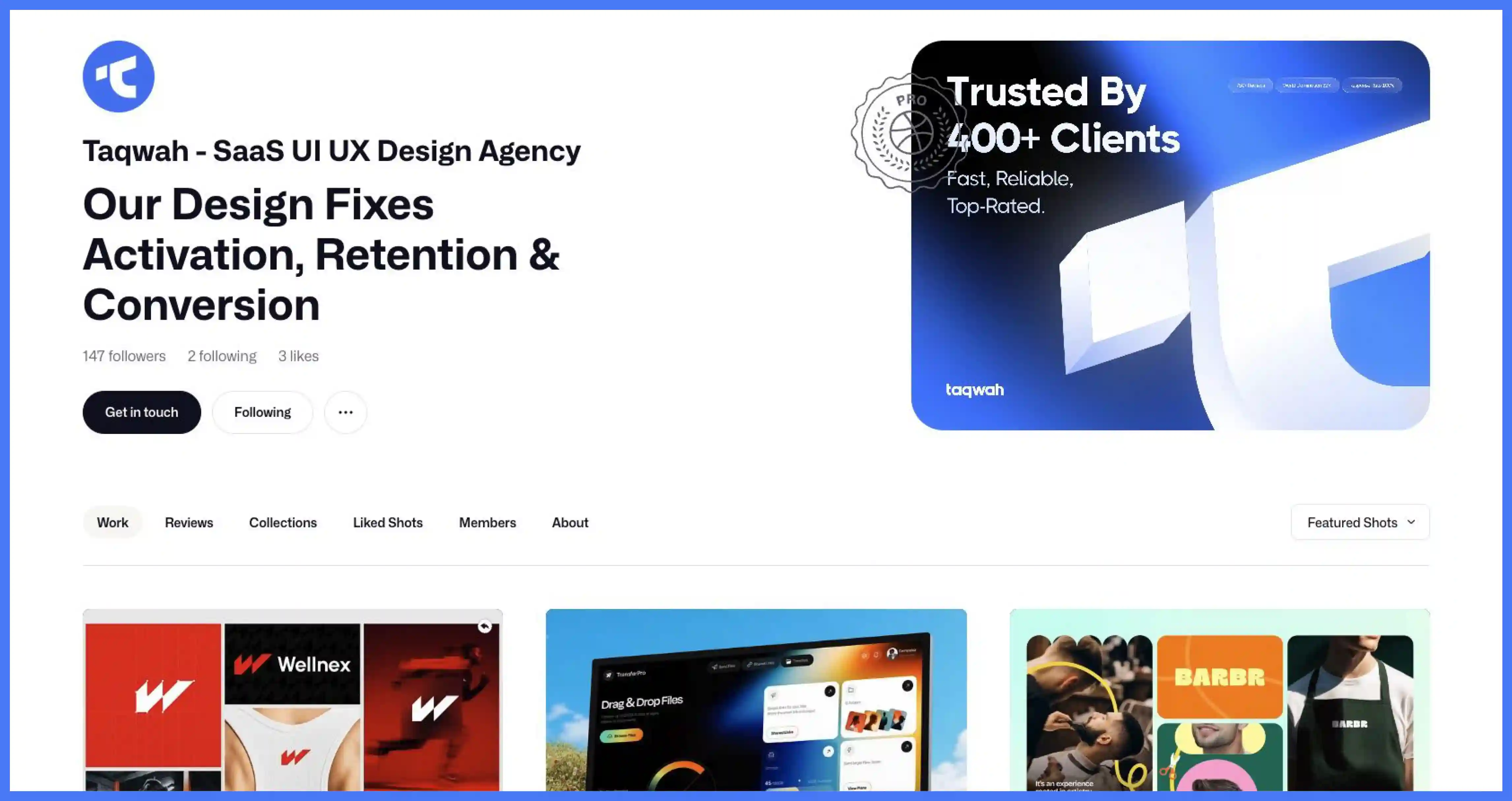
Look at real mobile app projects, not just attractive screens or website designs. Verify every portfolio item against its live App Store or Google Play listing. Screenshots and Dribbble posts are curated presentations. A live app on a real device is an unfiltered test of whether their designs actually work in production. Agencies without downloadable, live apps have not shipped mobile products at a standard you can independently verify.
2. Evaluate Case Studies for Real Problem-Solving
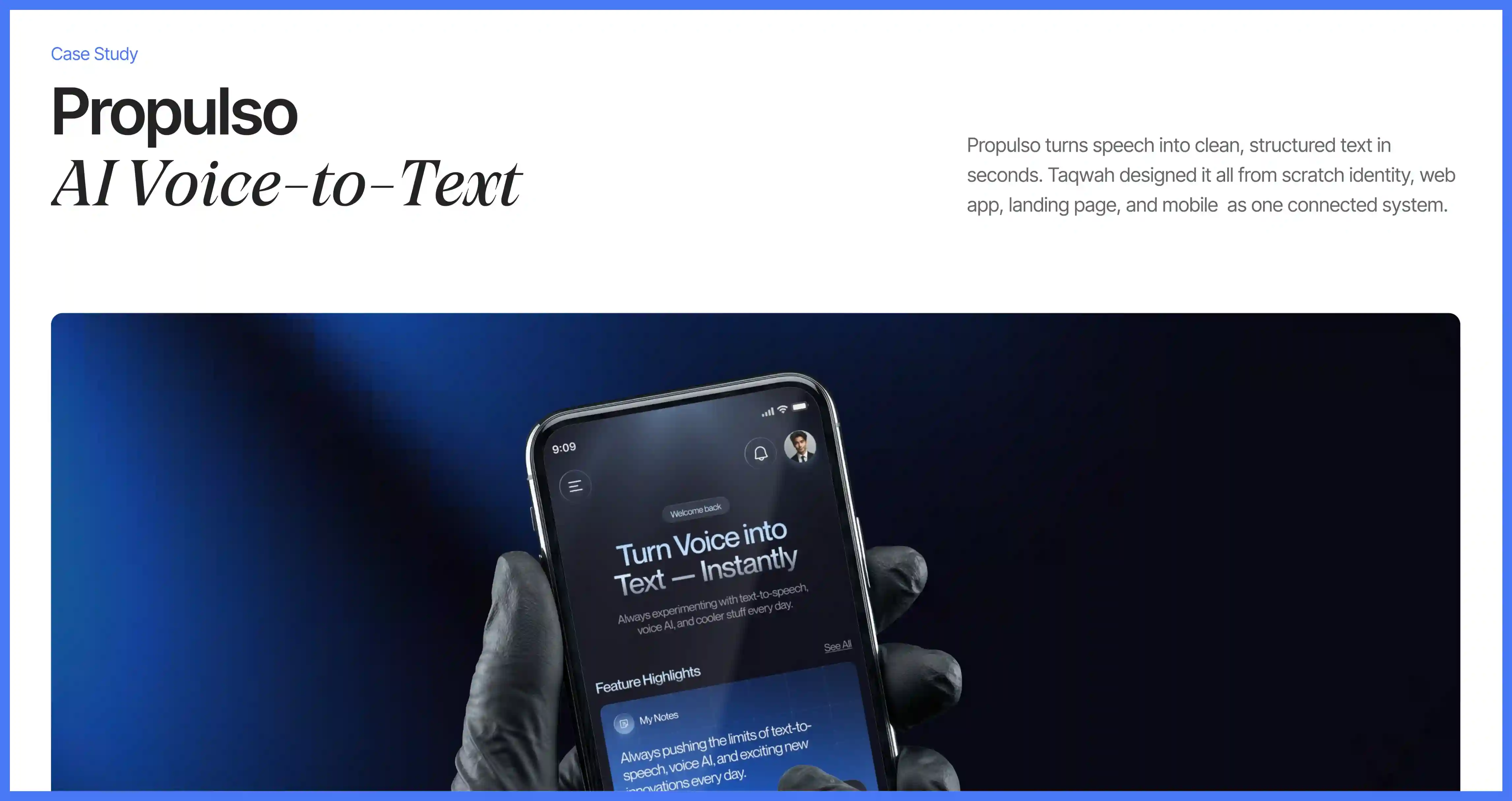
Case studies reveal how an agency thinks, not just what it makes. Check whether the agency explains the problem, what it changed, and why. Vague case studies that show screens without explaining decisions or results are a red flag. Look for evidence of real outcomes: simplified workflows, improved conversion, or resolved usability problems.
3. Assess Mobile-Specific Experience
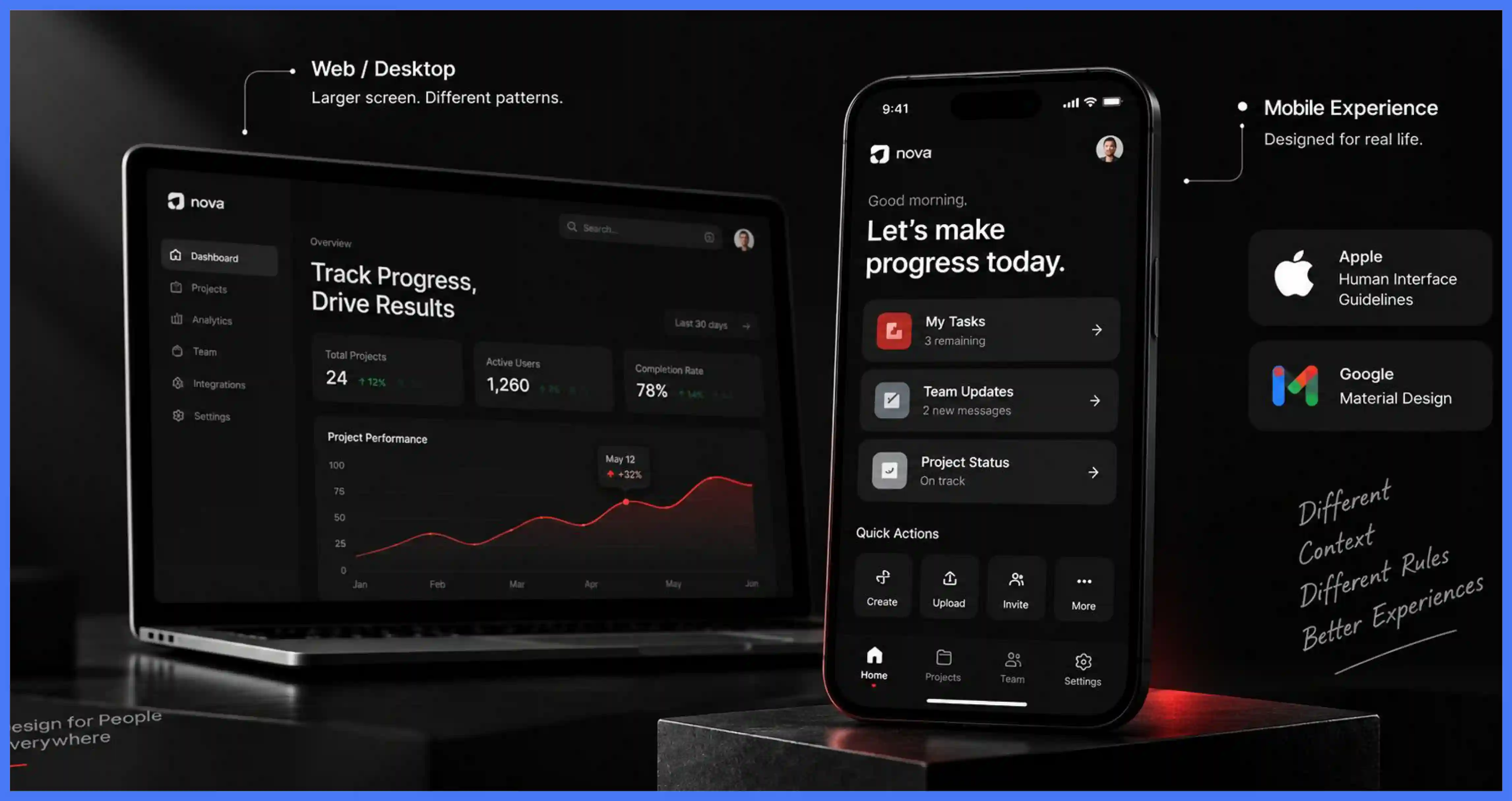
Mobile design is a different discipline from web or desktop design. Screen size, touch interactions, platform conventions, and usage context all change how users behave. An agency with primarily web experience will apply desktop-first interaction patterns to a touch surface, miss platform conventions defined by Apple's Human Interface Guidelines and Google's Material Design, and produce a handoff that generates engineering questions the specification cannot answer. Verify mobile-specific case studies independently from any web portfolio.
4. Verify Platform Knowledge Through Technical Questions
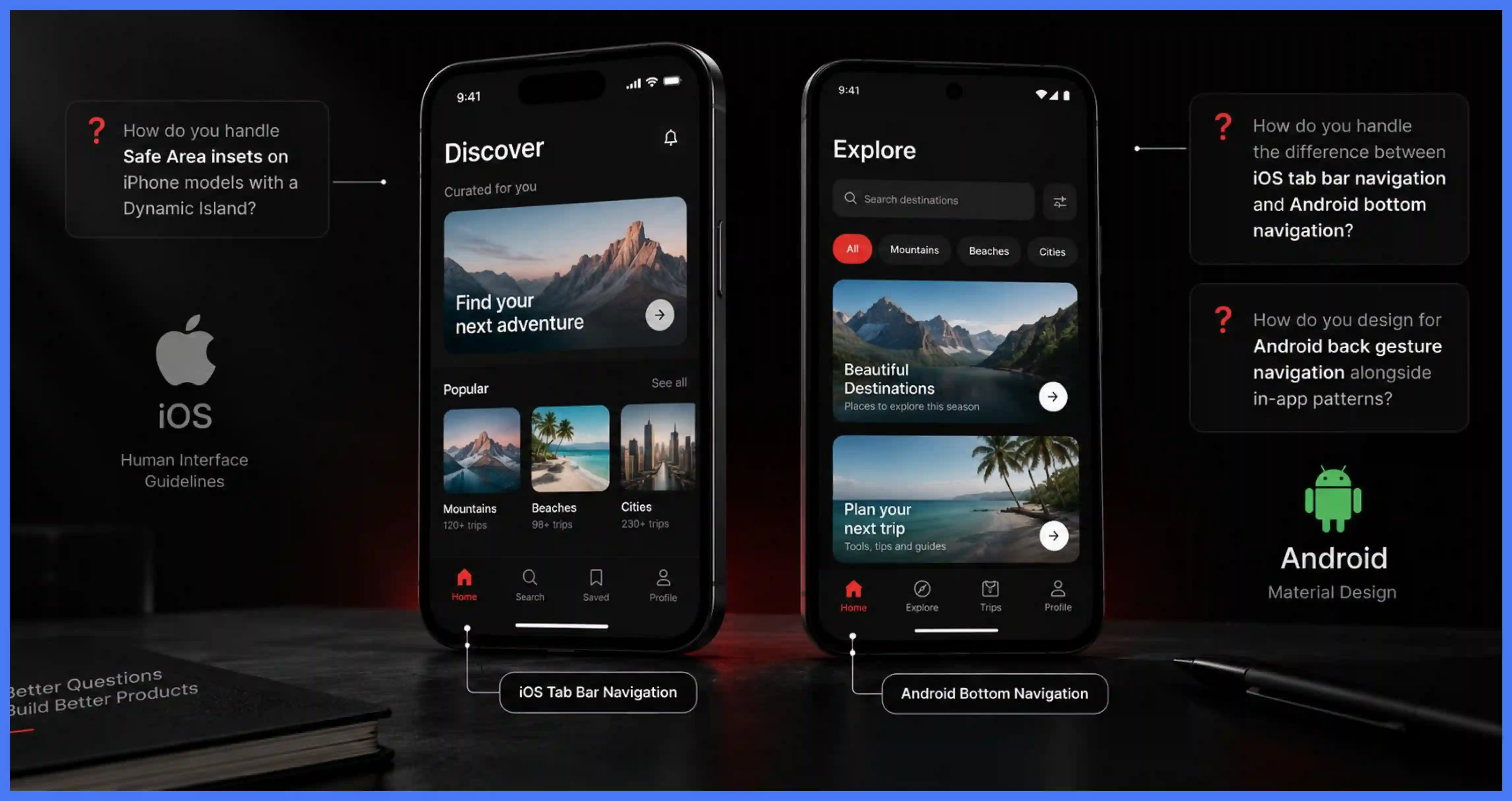
Ask specific technical questions, not general ones. Ask how they handle the difference between iOS tab bar navigation and Android bottom navigation. Ask how they approach Safe Area insets on iPhone models with a Dynamic Island. Ask how they design for Android back gesture navigation alongside in-app patterns. Agencies with genuine platform expertise answer immediately and specifically. Agencies without it give vague answers or redirect to their portfolio.
5. Confirm Live Shipped App Experience
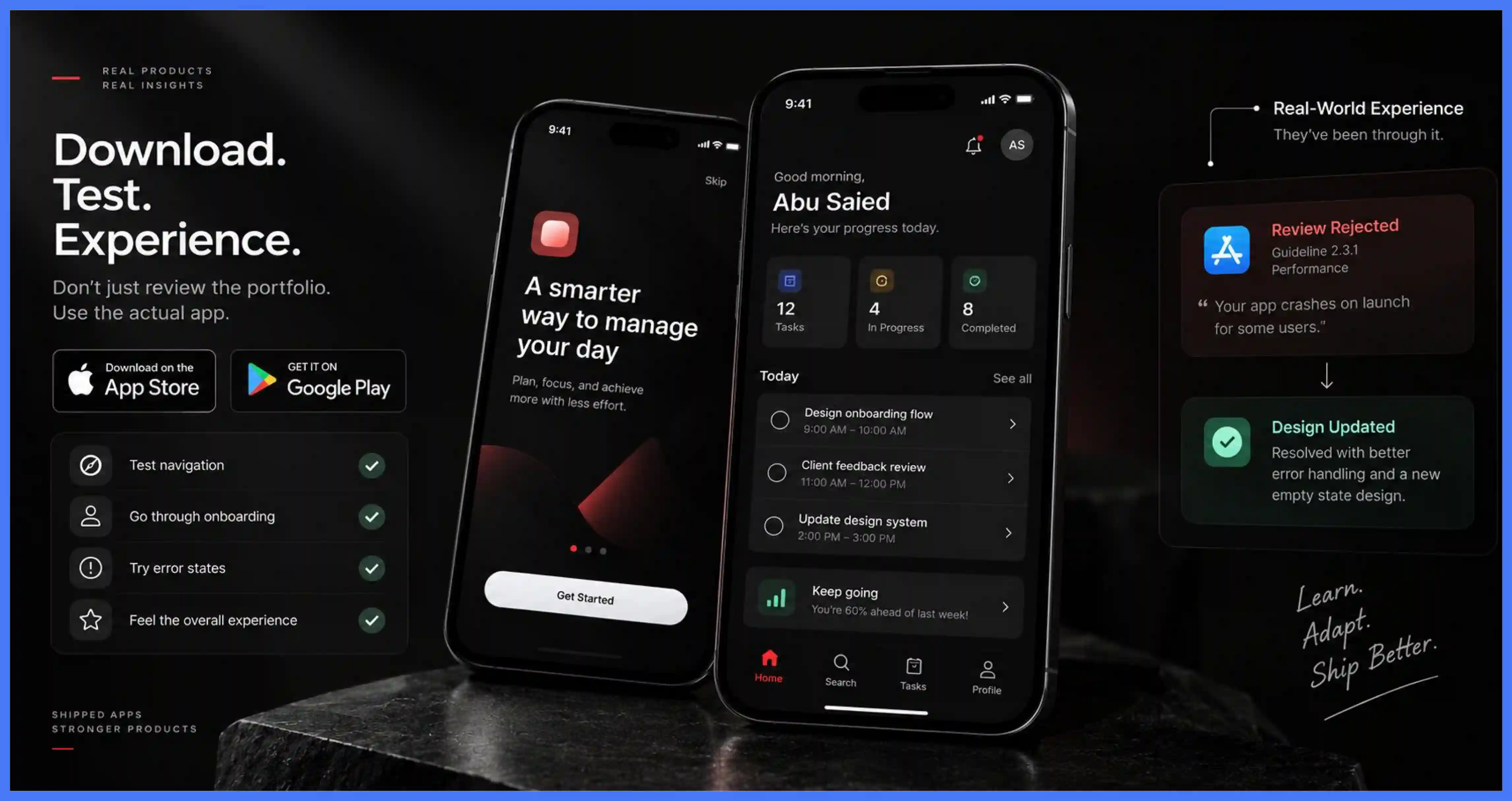
Ask for App Store and Google Play links, then download and use the apps yourself. Test navigation, onboarding, error states, and overall feel on a real device. Also ask the agency to describe one instance where a platform review rejection required a design change and how they resolved it. Agencies that have never encountered a review rejection have not shipped enough to develop the platform judgment that prevents one.
6. Evaluate the UX Process and Design Methodology
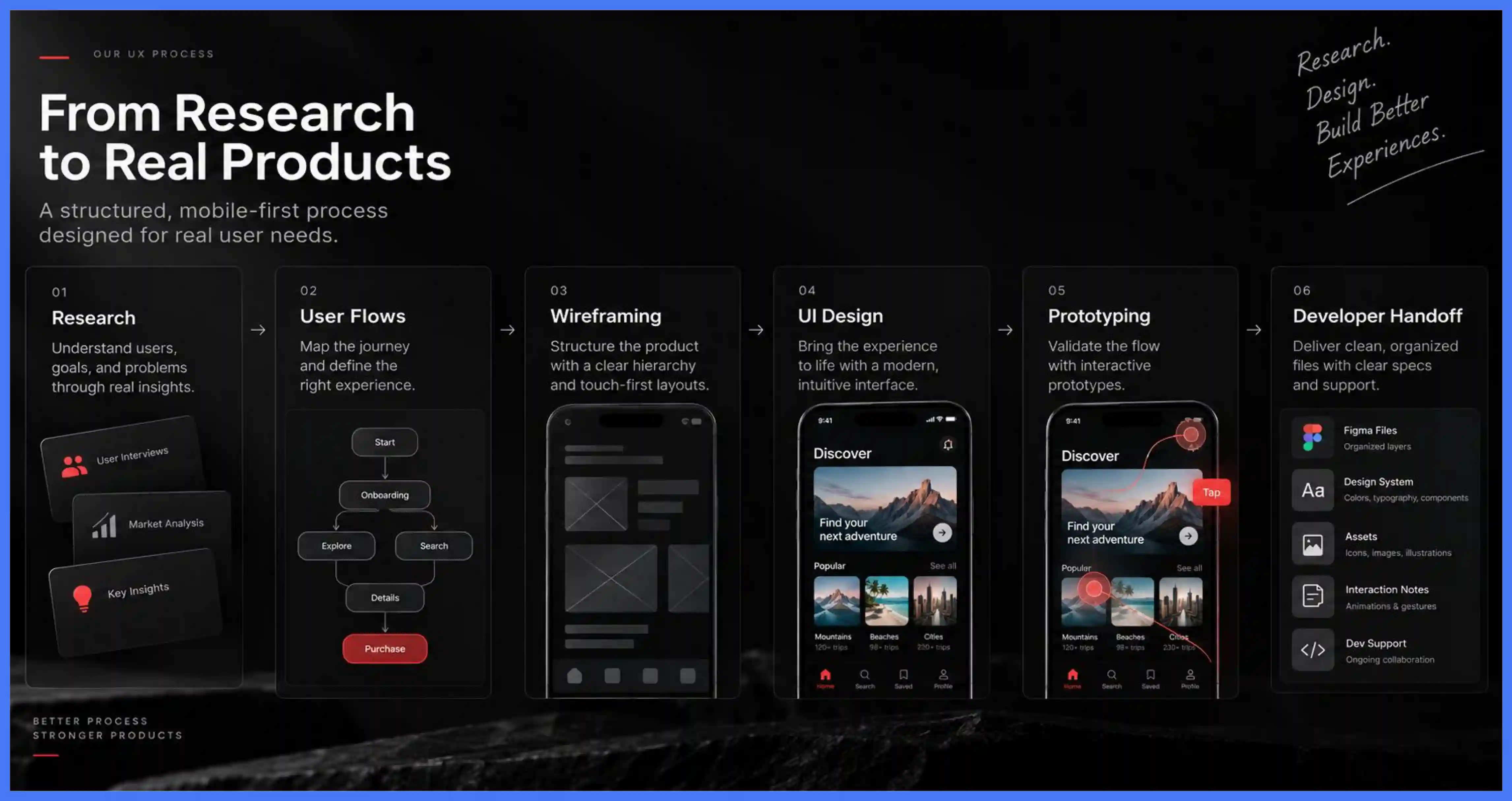
A structured process starts with research, not screens. The agency's workflow should cover user research, user flows, wireframing, UI design, prototyping, and developer handoff. A touch-first methodology designs thumb zones and touch targets from the first wireframe and treats gesture-based interaction as a primary input. If an agency cannot explain how the project moves forward step by step, that is a clear disqualifier.
7. Confirm the Balance Between UX and UI
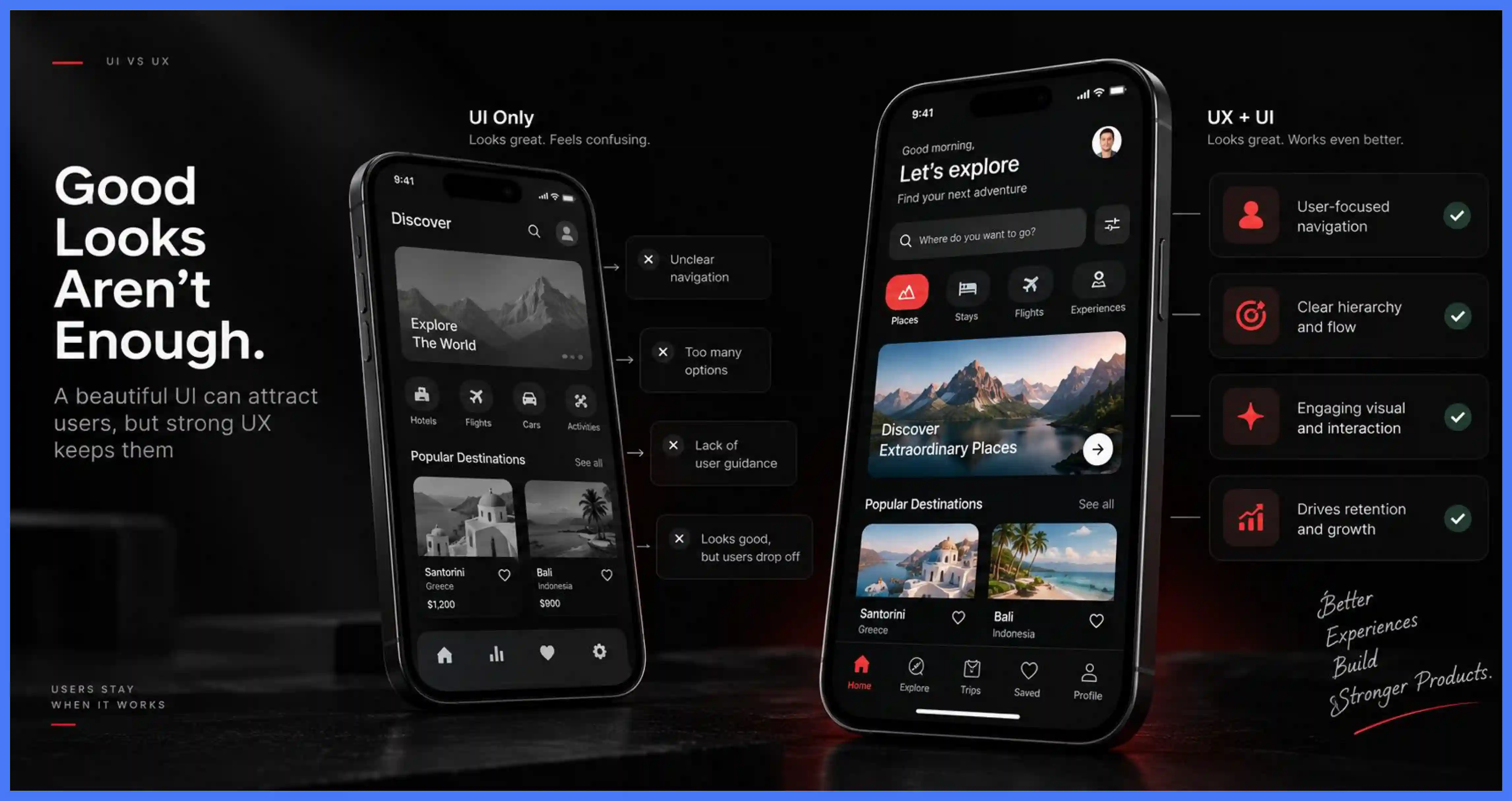
A visually polished app can still fail if users cannot navigate it. Strong mobile design supports usability, engagement, and long-term product growth. Agencies that focus only on visuals without asking about users or product goals are not equipped to build something that genuinely works. Evaluate both UX depth and UI quality together.
8. Check User Research and Validation Practices
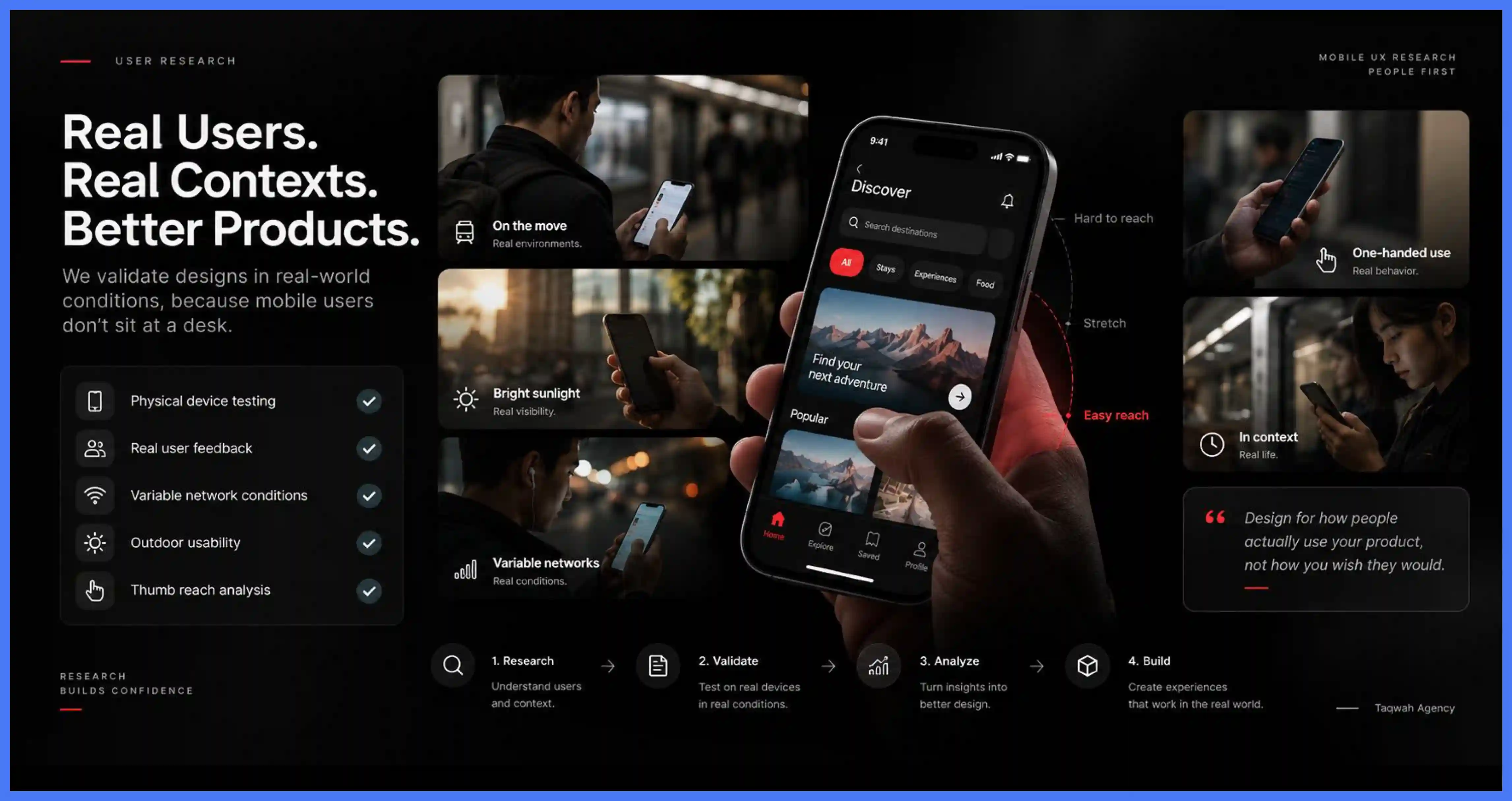
User research should happen before major design decisions, not after. Ask whether the agency tests on physical devices under realistic conditions, not desktop emulators. Mobile users interact while in motion, using one hand, in bright sunlight, on variable network connections. Ask how the agency tests for thumb reach on primary interactive elements. An agency that cannot describe a mobile-specific research methodology has not developed one.
9. Require Usability Testing on Physical Devices
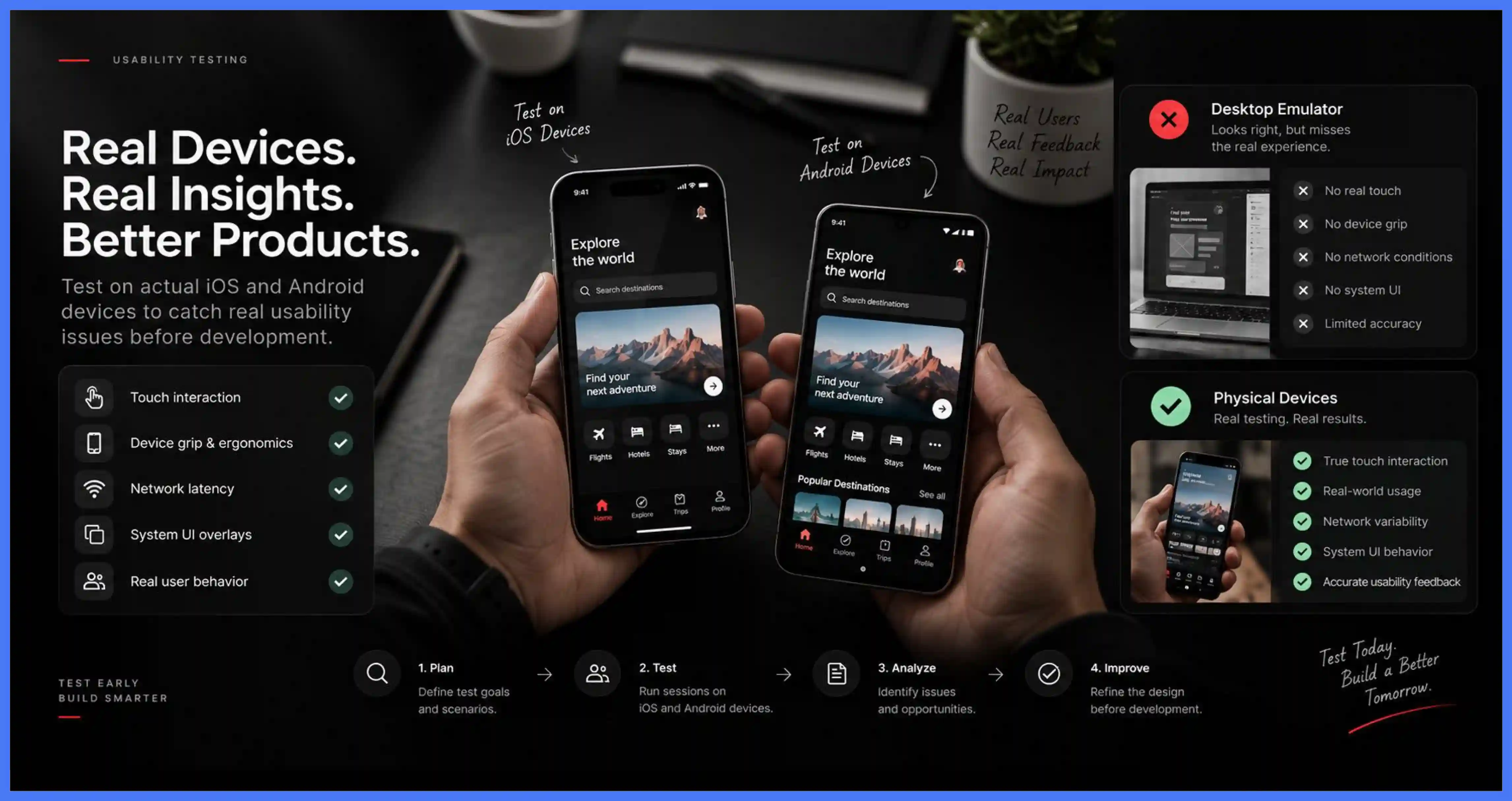
Do not accept prototype testing on a desktop browser as a substitute for device testing. Emulators simulate screen dimensions but not touch interaction, device grip, network latency, or system UI overlays. Require at least one round of usability testing on physical iOS and Android devices before the handoff is finalized. Finding a confusing flow before development is far cheaper than fixing it after.
10. Evaluate Understanding of Business Goals and Metrics
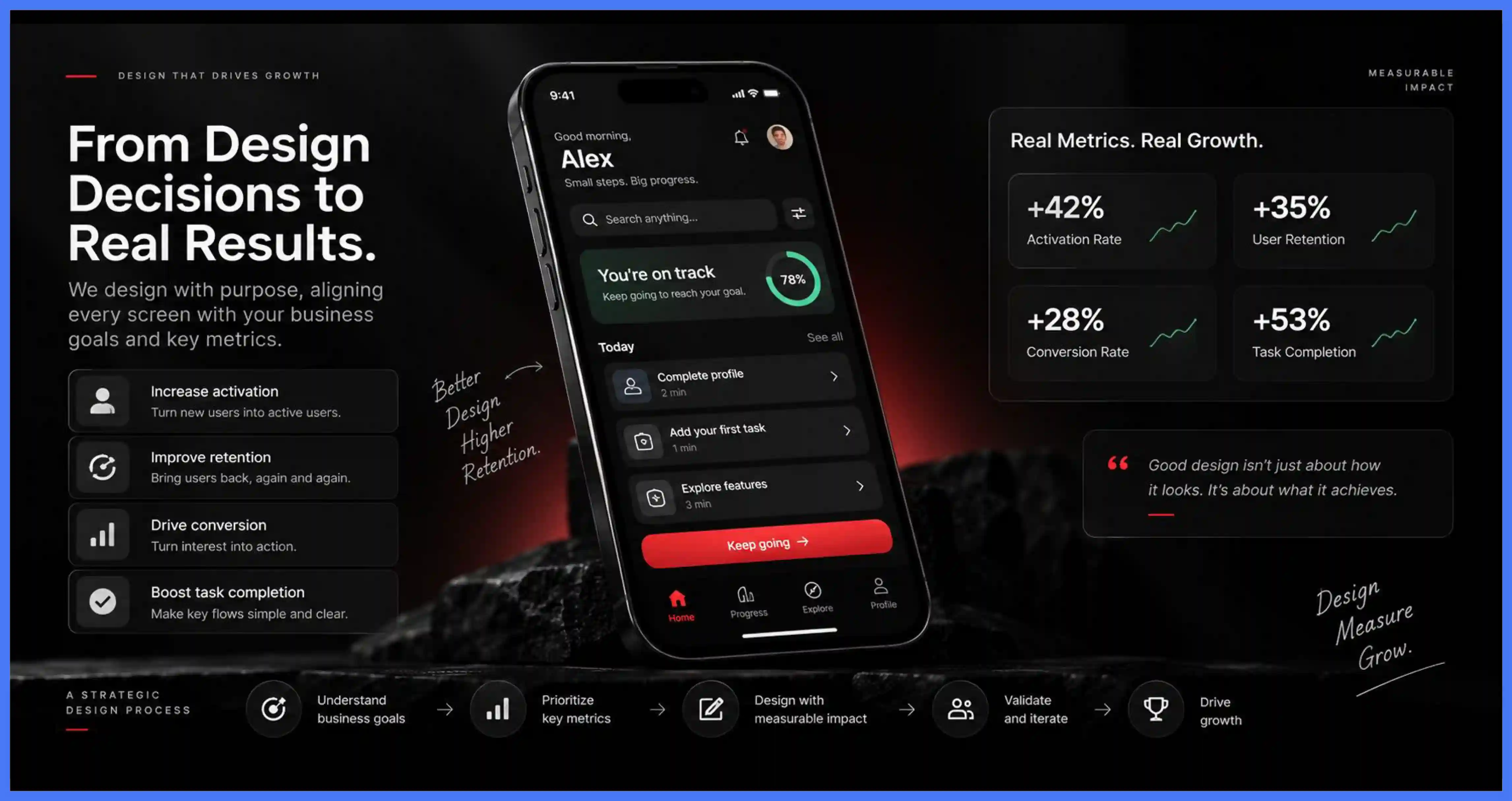
Design decisions should connect directly to measurable outcomes. Depending on your product, these include activation, retention, conversion, or task completion. An experienced agency understands how specific design choices influence these metrics and uses that understanding to prioritize features and focus effort on areas with the greatest impact.
11. Look for Design Systems and Scalability
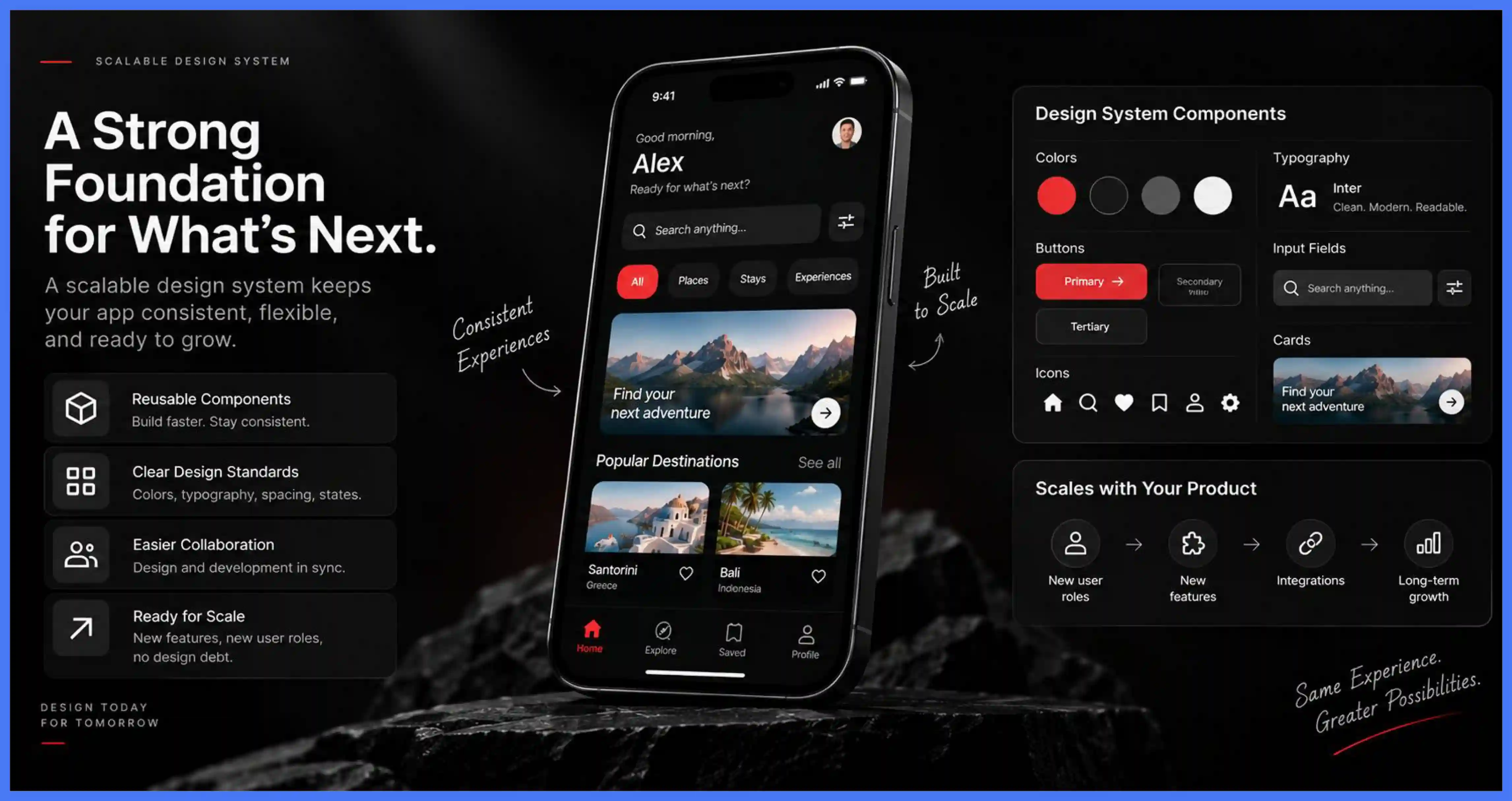
Mobile apps grow in complexity after launch. New features, user roles, and integrations introduce ongoing design challenges. Reusable components and clear design standards allow teams to expand the product without losing consistency. A scalable design foundation also reduces rework for future releases and improves collaboration with development teams.
12. Consider B2B and Complex Application Experience
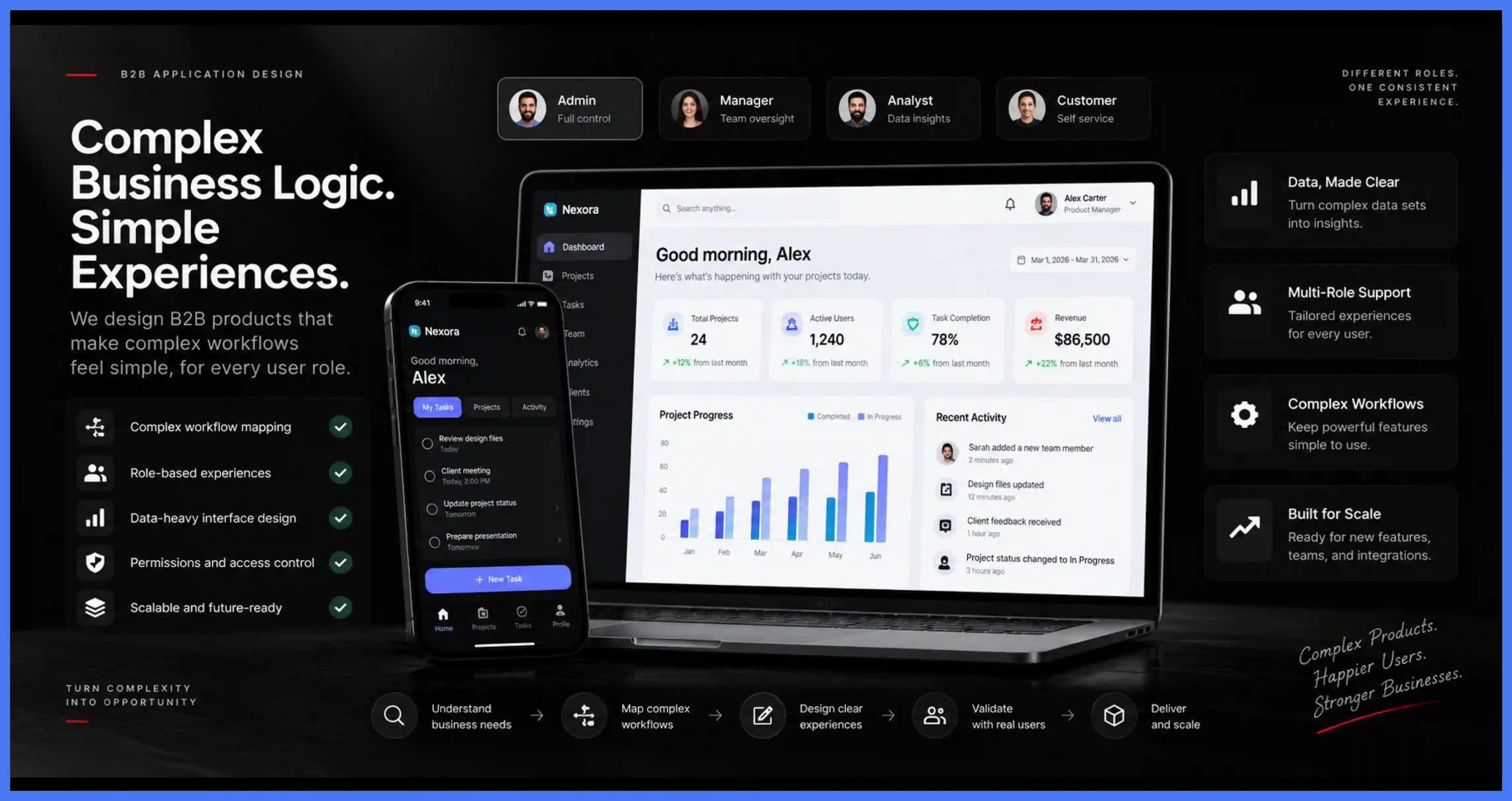
Business applications require a different design approach. Advanced workflows, permissions, dashboards, and large data sets demand an agency that can simplify complex functionality without removing important capabilities. The right partner balances usability with business logic and keeps interfaces clear across different user roles.
13. Assess Developer Handoff Quality
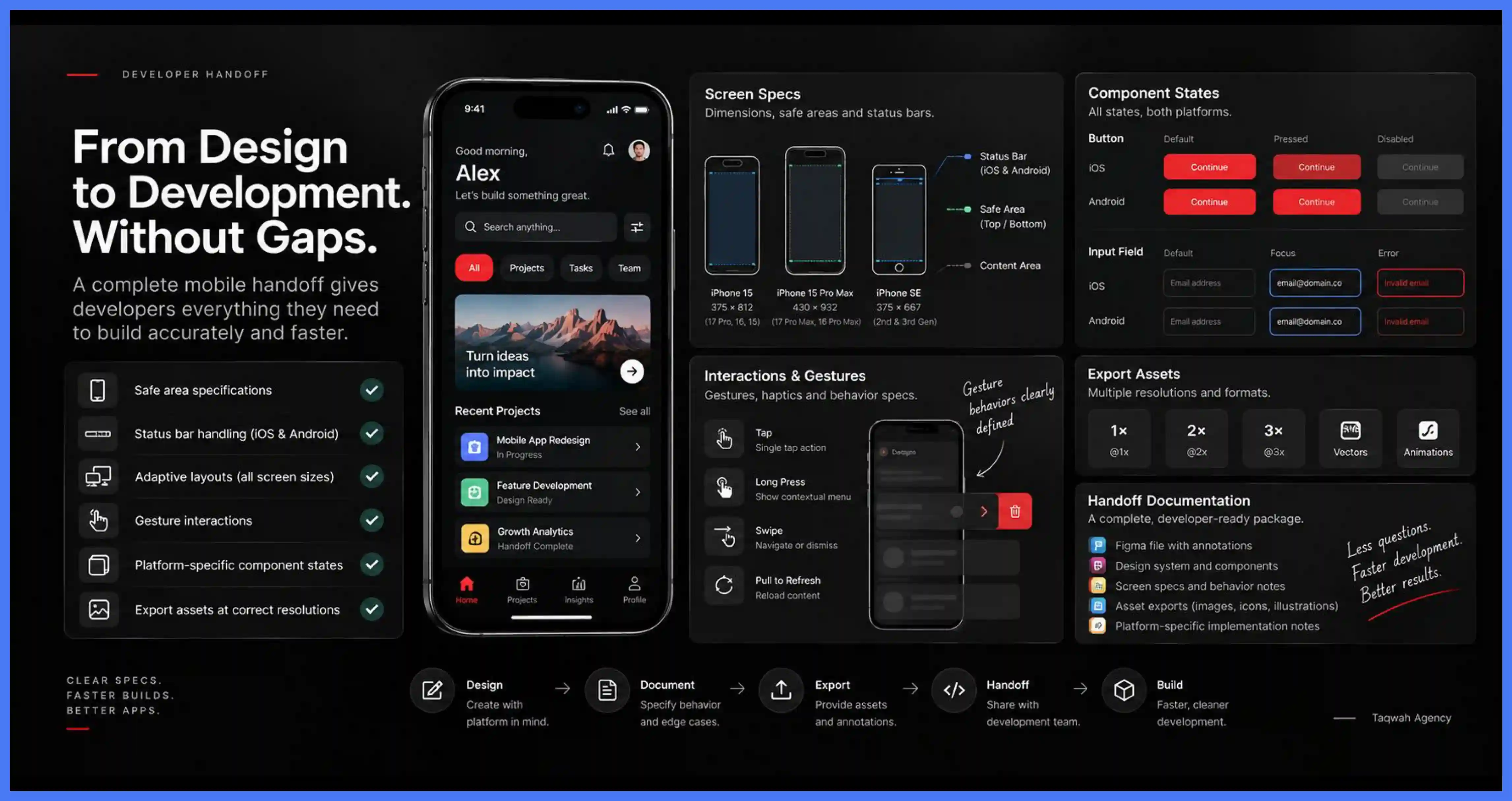
Request a sample handoff specification from a comparable project before committing. A complete mobile handoff covers Safe Area specifications for iOS notch and Dynamic Island models, status bar handling on both platforms, adaptive layout behavior across screen sizes, gesture interaction specifications, platform-specific component states, and export assets at the correct resolutions. A handoff that only covers color values, spacing, and component structure is a web handoff applied to a mobile file. Engineers working from an incomplete specification will spend significant time resolving platform questions the document never addressed.
14. Confirm Post-Launch Support
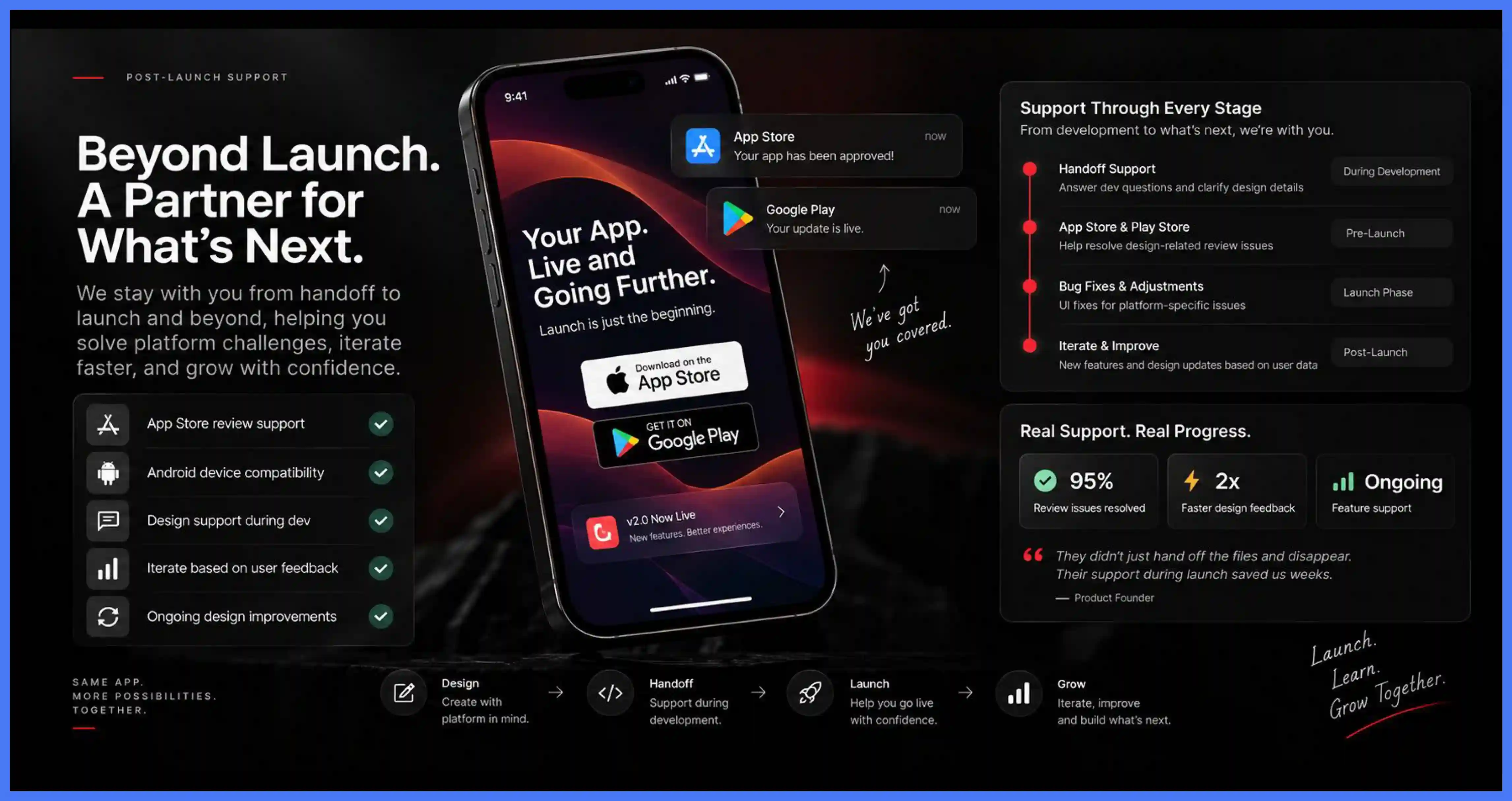
Ask specifically what the agency provides between handoff and the app going live. Mobile apps introduce platform-specific challenges during development, including App Store review rejections, Android fragmentation, and gesture conflicts, all of which require design input to resolve. An agency that treats handoff as the end of its accountability leaves the engineering team without design expertise when platform-specific ambiguity creates the most costly decisions. Your app will also need updates, new features, and design improvements based on user feedback after launch.
15. Prioritize Communication and Collaboration
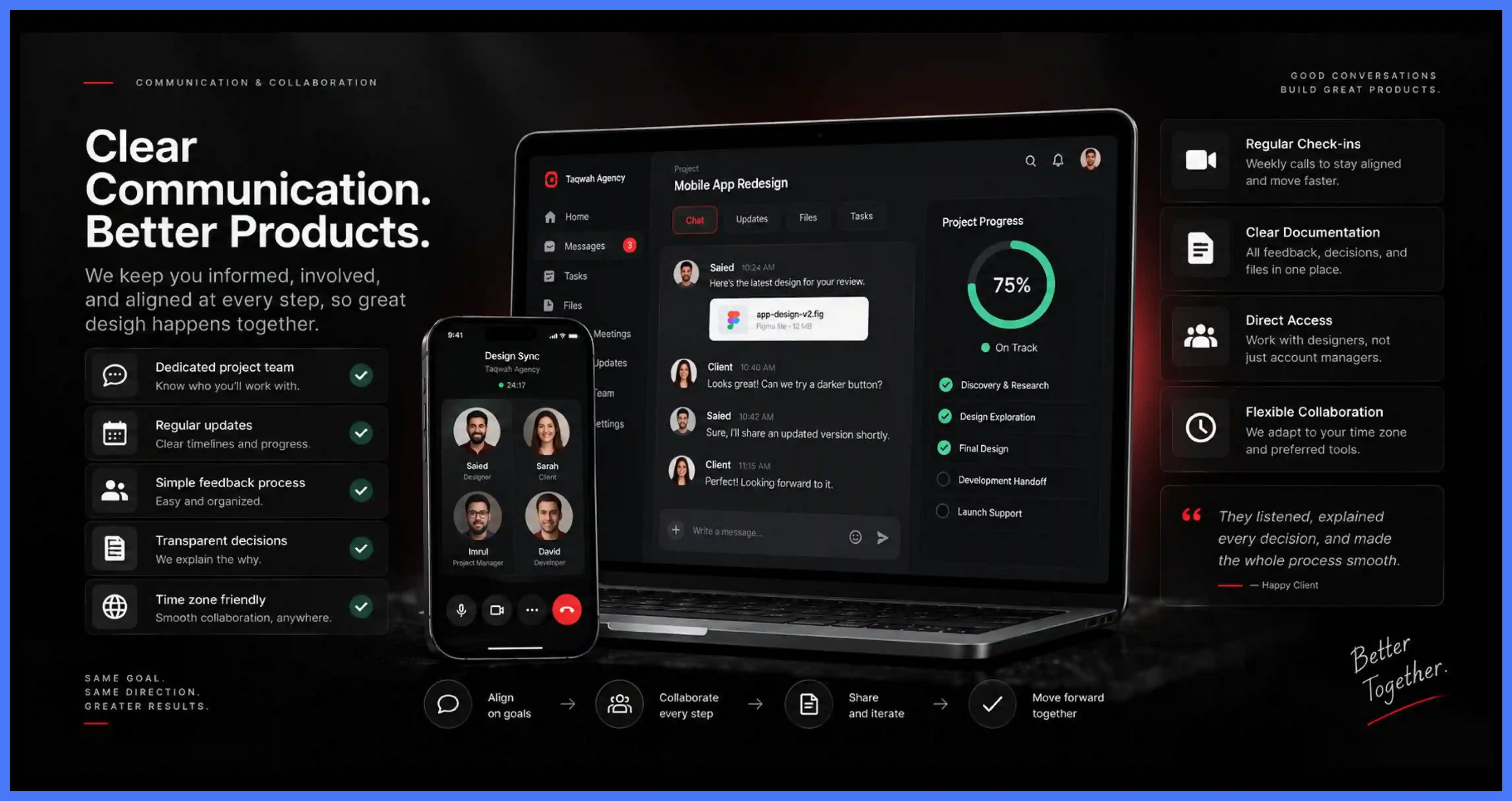
Poor communication is as damaging as poor design. Before hiring, confirm who you will work with, how often you will receive updates, and how feedback is handled. A good agency explains its decisions and works with you to improve them. Slow replies, difficulty sharing feedback, and lack of transparency are disqualifying. Time zone differences and indirect communication at any project stage increase the risk of decisions getting lost in translation.
16. Evaluate Technical Expertise and Code Quality
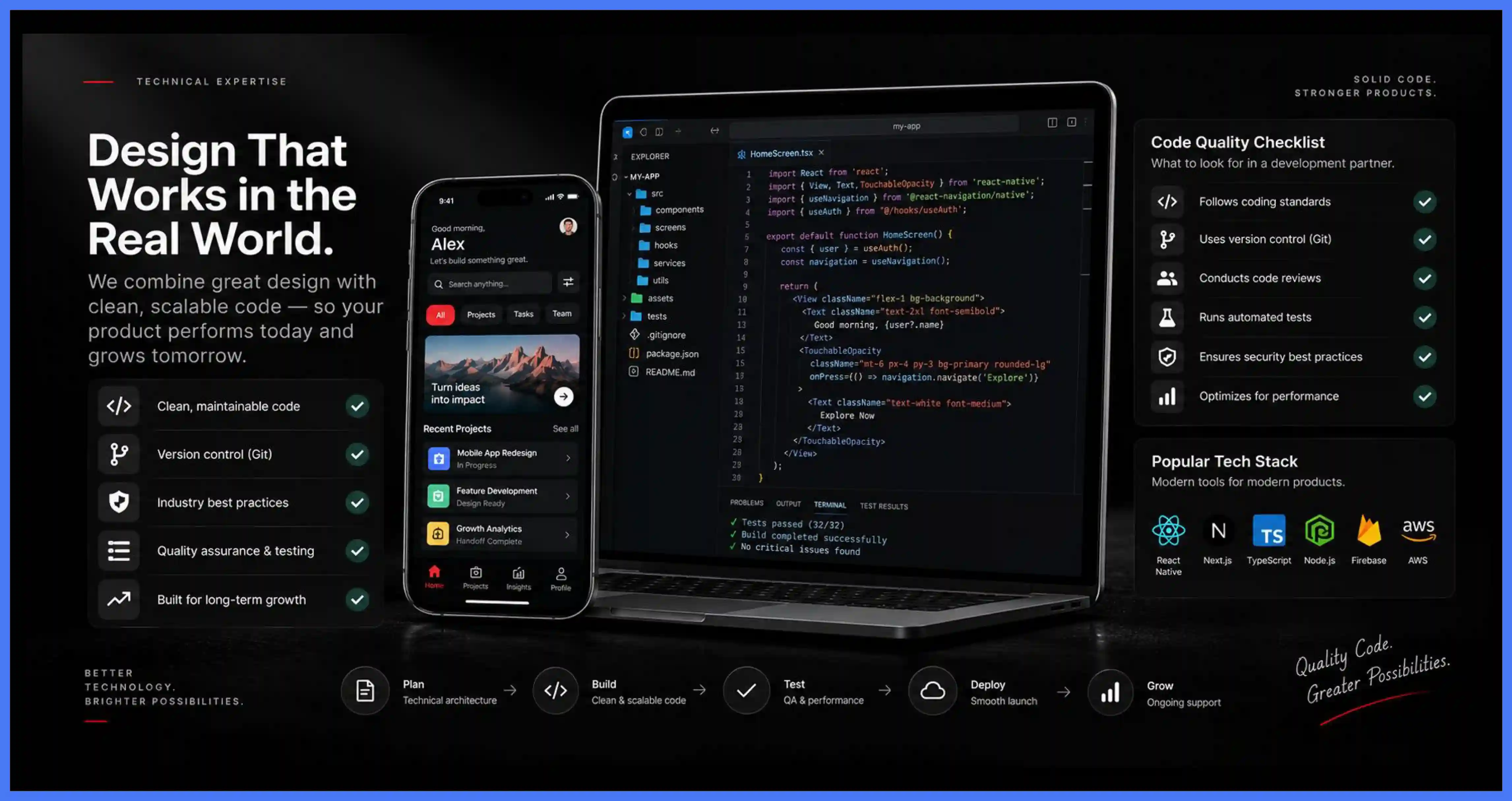
Portfolios show outputs, not build quality. Many projects carry technical debt that causes products to deteriorate over time. If you lack a technical background, bring in a consultant or technical team member to conduct code reviews. Confirm the agency follows industry best practices, uses version control, and applies a systematic approach to quality assurance and testing.
17. Define Requirements and Establish Clear Project Management
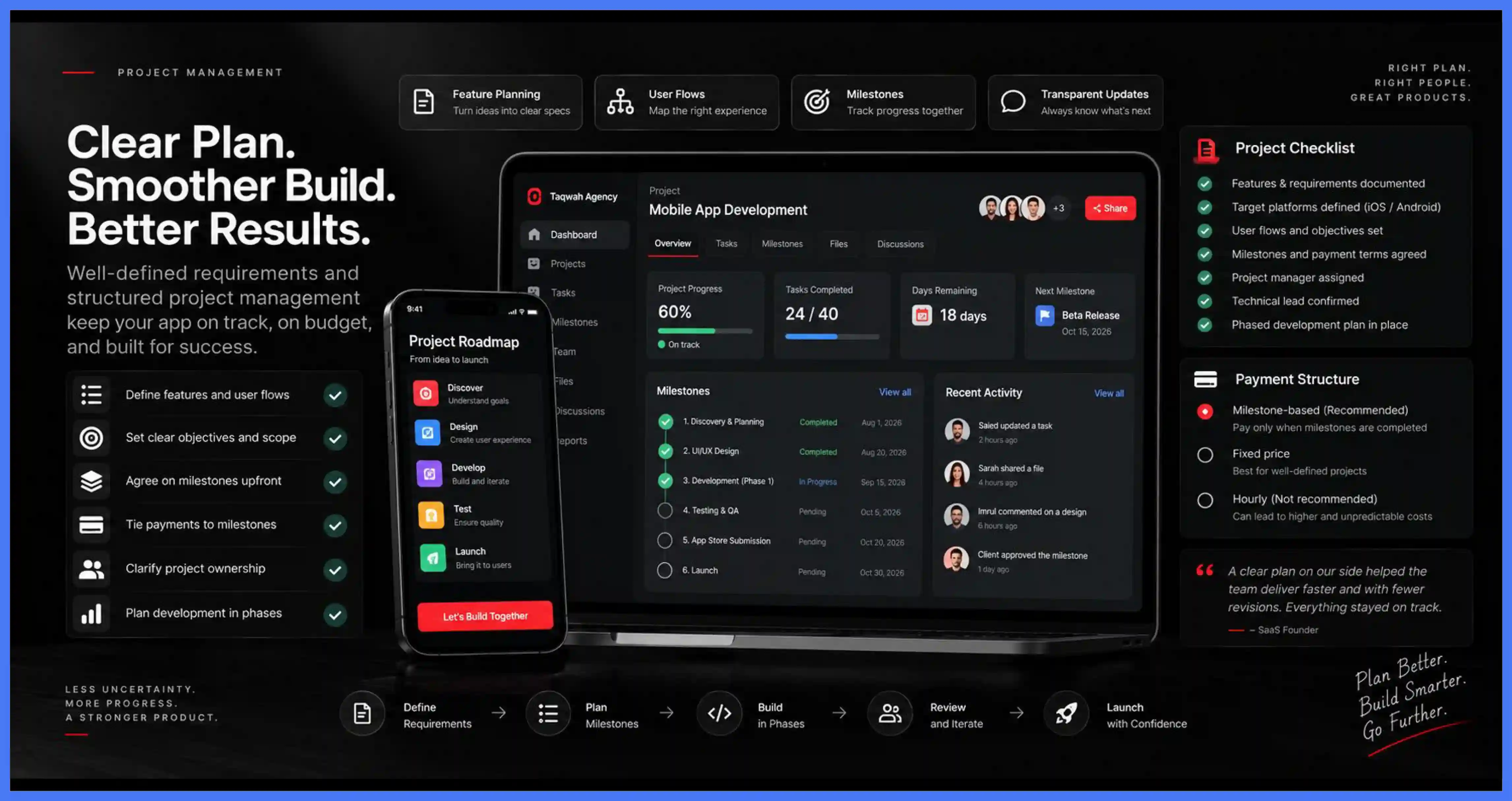
Clear requirements reduce guesswork and cost. Document features, user flows, target platforms, and objectives before approaching any agency. Agree on milestones upfront and make payments conditional on reaching them. Avoid hourly billing where possible. Clarify who manages the project and ensure the technical lead can communicate effectively with both the agency and your team. Plan development in phases to catch problems early.
18. Protect Your Intellectual Property
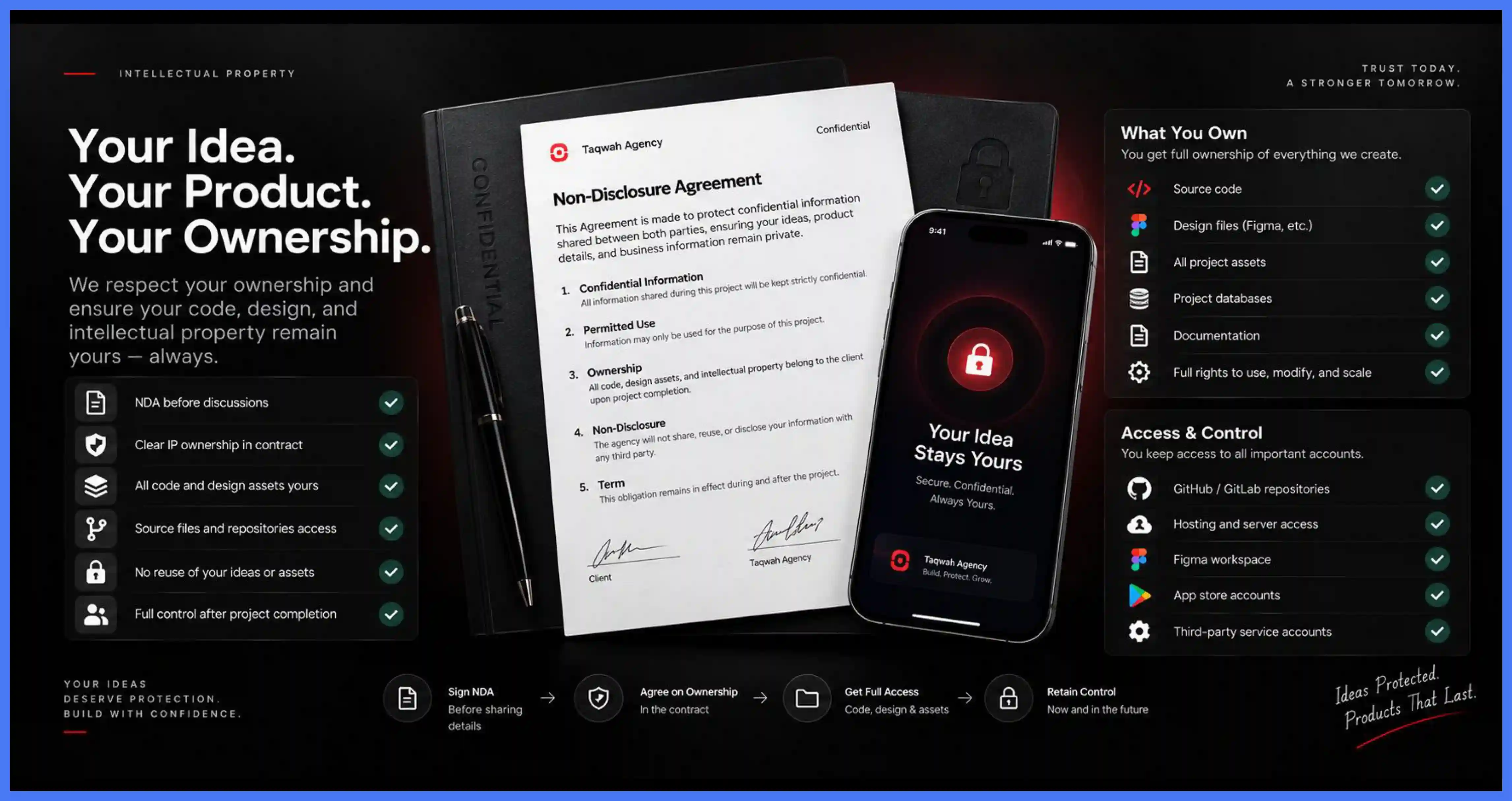
Clarify ownership before sharing any project details. Have the agency sign an NDA before discussing specifics. Confirm in the contract that you own all code, design assets, and intellectual property upon project completion. Retain access and control of the source code repository throughout the engagement. Do not grant root access to cloud services. Create a dedicated admin account for the agency instead.
19. Compare Pricing Against Value, Not Cost Alone
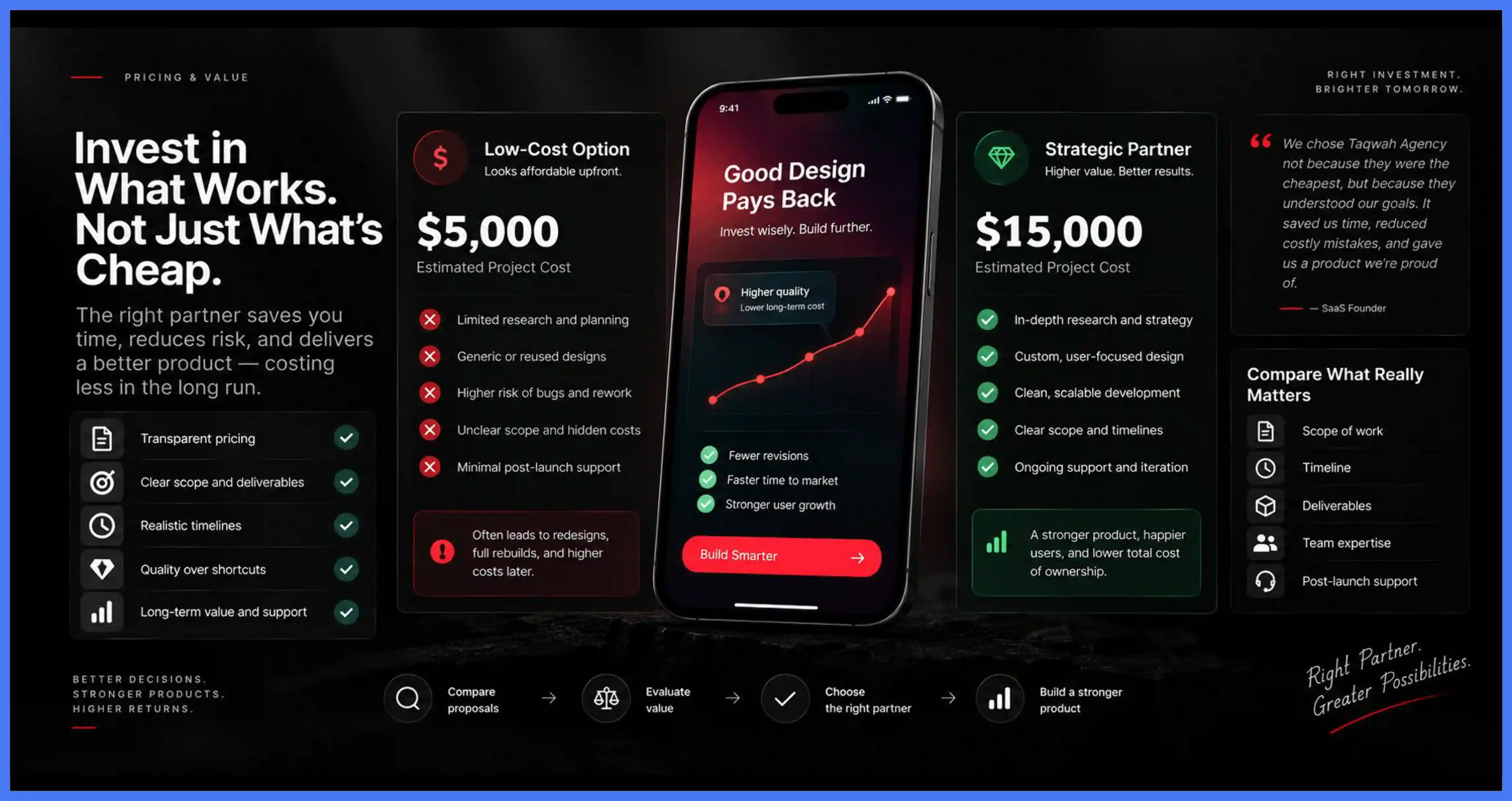
The cheapest agency rarely delivers the best outcome. Low-cost options often cut corners, leading to bugs, redesigns, and full rebuilds that cost more in the long run. Be cautious of pricing for your mobile app ui ux design and development significantly below market rates and of quotes where you cannot tell what is included. Compare proposals on scope, timeline, deliverables, and overall value. Getting things right from the start costs less than failing your way forward.
20. Research, Shortlist, and Verify References
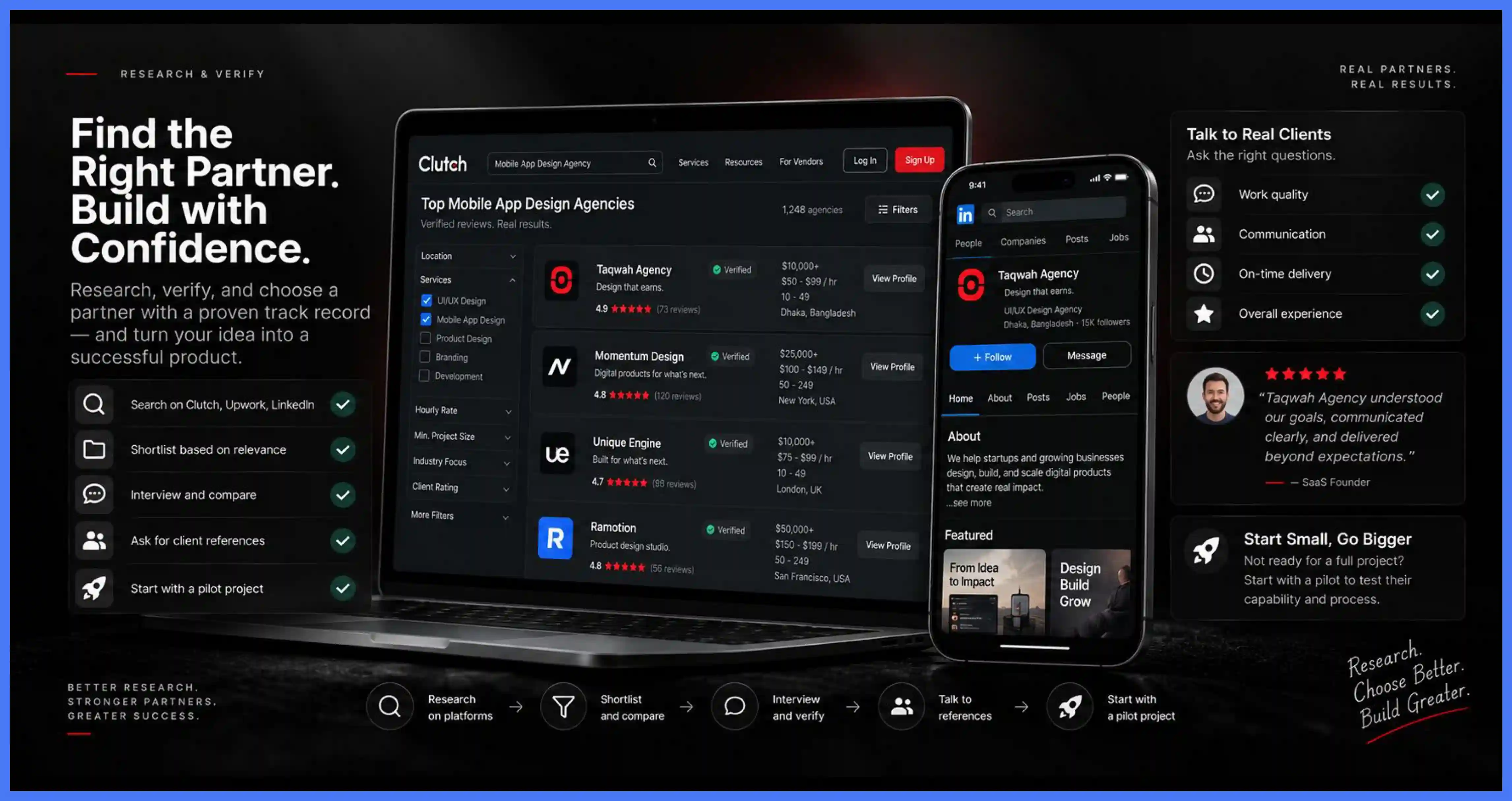
Use Clutch, Upwork, and LinkedIn to identify agencies with verified track records. Build a shortlist based on portfolio relevance and budget fit, then interview each. Narrow the shortlist with a second round of conversations and ask for client referrals. Contact those referrals directly to ask about work quality, communication, and overall experience. If you are uncertain about a full commitment, start with a smaller pilot project to verify capability before engaging for the full scope.



.avif)


![Top 10 Best UI/UX Design Agencies for Startups in Canada [2026 Edition]](https://cdn.prod.website-files.com/68246c61fd19b53d3eaa96dd/6ae337908af5656457589eed_6ae3375f2ac80c827678fed2_canada-ui-ux-agencies-cover.webp)